Catalogue element
bry-canvas
A fenced area the app draws shapes into, in its own units; colours are names. pointer says where the person pressed, key what they typed when focusable.
Settings
| Setting | Takes | Needed |
|---|---|---|
label | text, at most 200 characters | yes |
view | a record of w, h (needs w, h) | yes |
focusable | true or false | no |
ops | a list of at most 2,000: a record of kind, x, y, w, h, x2, y2, r, round, d, text, fill, stroke, line, points, weight, align, opacity (needs kind) | no |
Example
JSX
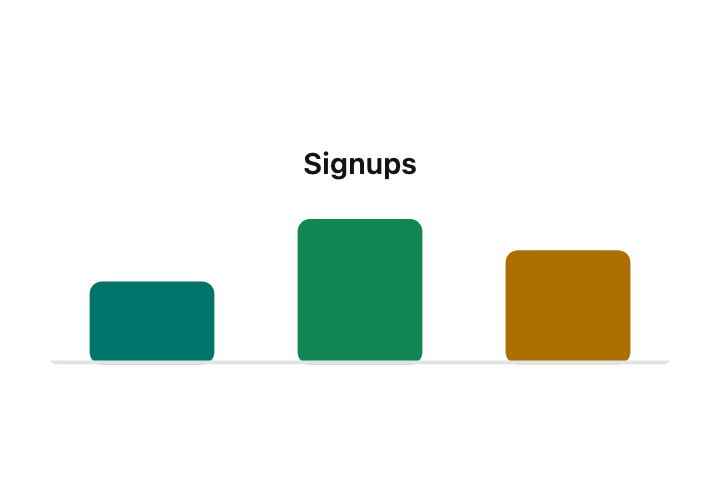
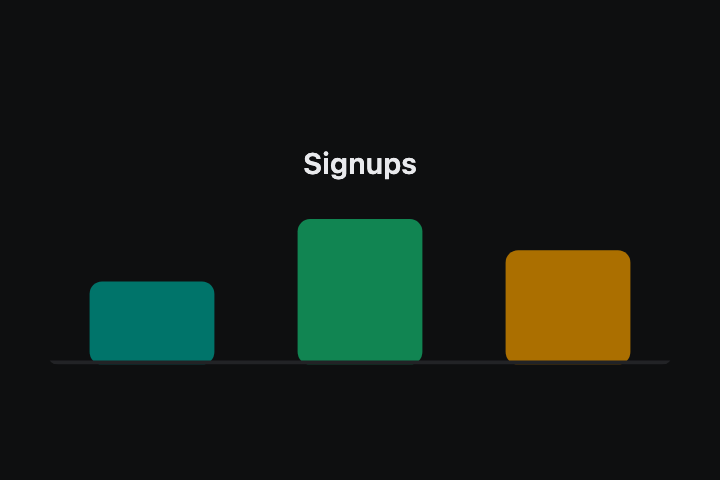
<bry-canvas label={"Three bars: 40, 70 and 55"} view={{"w":300,"h":120}} ops={[{"kind":"rect","x":20,"y":80,"w":60,"h":40,"round":6,"fill":"brydio.brand"},{"kind":"rect","x":120,"y":50,"w":60,"h":70,"round":6,"fill":"brydio.success"},{"kind":"rect","x":220,"y":65,"w":60,"h":55,"round":6,"fill":"brydio.warn"},{"kind":"line","x":0,"y":119,"x2":300,"y2":119,"stroke":"brydio.line","line":2},{"kind":"text","x":150,"y":24,"text":"Signups","points":14,"weight":"600","align":"center","fill":"brydio.text"}]} />Renderer contact sheet
These paths will hold the checked light and dark captures.