Catalogue element
bry-page-header
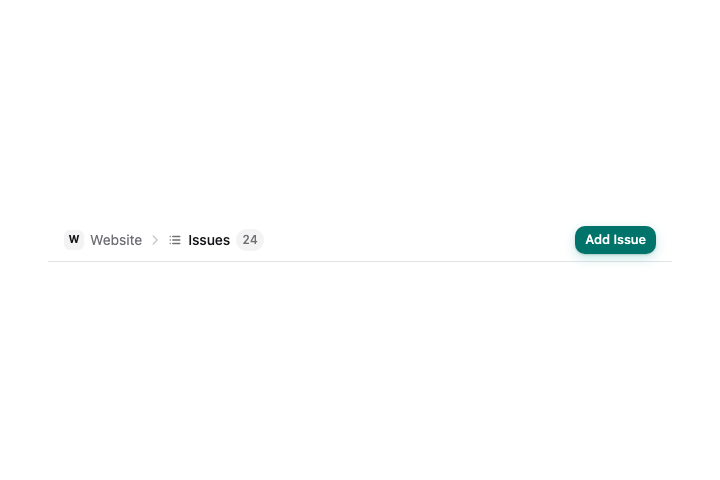
The thin bar across the top of a page: breadcrumb, icon, title, count and the page's actions.
Settings
| Setting | Takes | Needed |
|---|---|---|
title | text, at most 200 characters | yes |
icon | add, archive, calendar, check, copy, dismiss, docs, info, mail, members, notes, pin, rename, retry, search, settings, tasks, trash, account, activity, attach, bell, boardLayout, box, branch, calendarRange, channel, chart, cycle, download, externalLink, flag, ganttLayout, history, home, inbox, layers, link, listLayout, lock, maximise, panelRight, pause, play, progress, project, relation, sliders, tableLayout, tag, target, temporary, userAdd, status, filter, stateReview, swimlaneLayout, more, close, arrowRight, chevronRight, chevronDown, chevronUp | no |
subtitle | text, at most 200 characters | no |
back | true or false | no |
count | a whole number from 0 to 1000000 | no |
crumbs | a list of at most 4: a record of id, label, icon, initial (needs id, label) | no |
badges | a list of at most 3: a record of text, tone (needs text) | no |
tabs | a list of at most 12: a record of id, label, icon, count (needs id, label) | no |
tab | text, at most 128 characters | no |
size | sm, md | no |
Example
JSX
<bry-page-header title={"Issues"} icon={"listLayout"} count={24} crumbs={[{"id":"project","label":"Website","initial":true}]}>
  <bry-button label={"Add Issue"} icon={"add"} variant={"primary"} />
</bry-page-header>
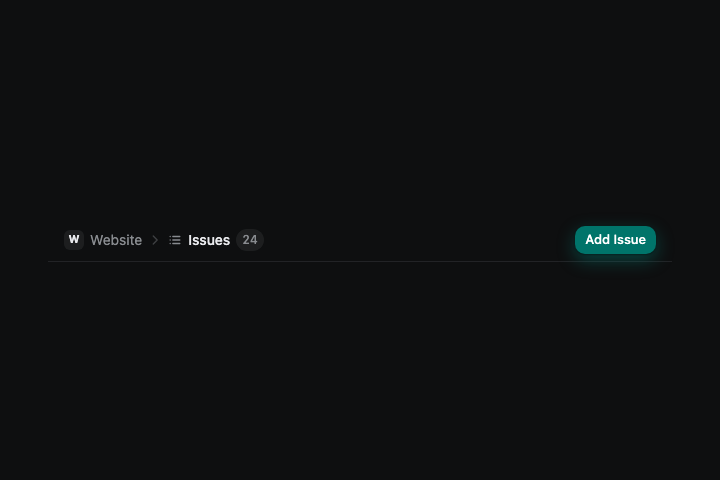
Renderer contact sheet
These paths will hold the checked light and dark captures.